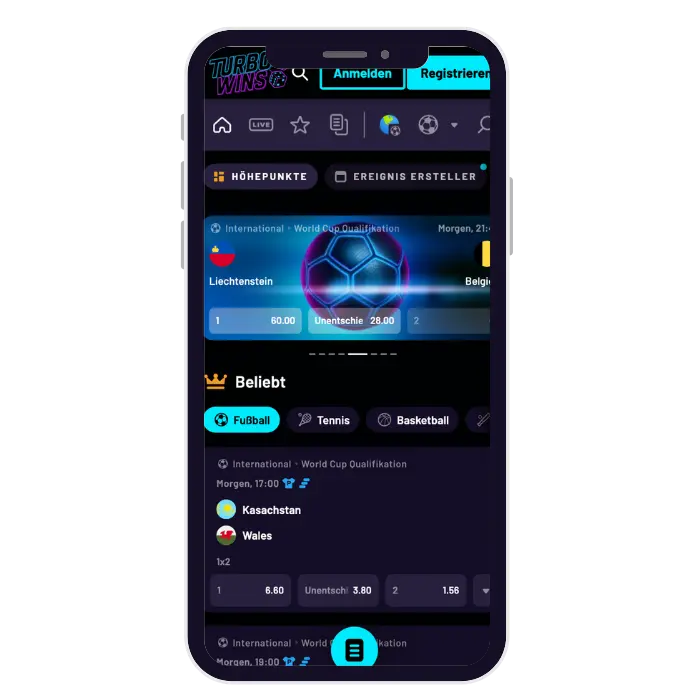





Turbo Wins Casino APK (Android)
Android users download the APK file directly from Turbo Wins. Google Play doesn’t host real money casino apps currently. The APK install takes under three minutes total time. File size sits around 85MB so downloads finish fast. You need Android 5.0 or higher to run properly.
Visit the official Turbo Wins Casino website first on mobile. Scroll down to the app download section clearly marked. Tap the “Download Android APK” button displayed prominently. The APK file starts downloading to your device immediately. You’ll see a notification when download completes successfully here.
Enable “Install from unknown sources” in your security settings. This setting allows APK installations outside Google Play store. Go to Settings then Security on your Android device. Toggle on “Unknown sources” or “Install unknown apps” option. Some newer Android versions ask permission per app instead.
Locate the downloaded APK file in your Downloads folder. Tap the file to begin installation process immediately. Follow the on-screen prompts to complete installation fully. The app icon appears on your home screen automatically. Open the app and log in with existing credentials. New users register directly through the app interface easily.